9Now, Channel 9‘s free streaming service in Australia, requires a simple 6-digit activation code to connect your smart television for the first time. The multi-step activation process takes fewer than 5 minutes and works across Android TV, Google TV, Apple TV, Chromecast, Amazon Fire TV, and other compatible devices, letting viewers stream live channels and on-demand content immediately after setup.
🔥 Quick Facts
- Activation code – Unique 6-digit code generated on your TV screen
- Compatible devices – Android TV 7.0+, Google TV, Apple TV, Fire TV, and select Roku/Fetch models
- Free streaming service – Funded by advertising, no subscription required
- Account requirement – One Nine Network account per household registration
- Availability – 9Now is exclusive to Australia; geoblocking restricts access outside the country
Step-by-Step TV Activation Process
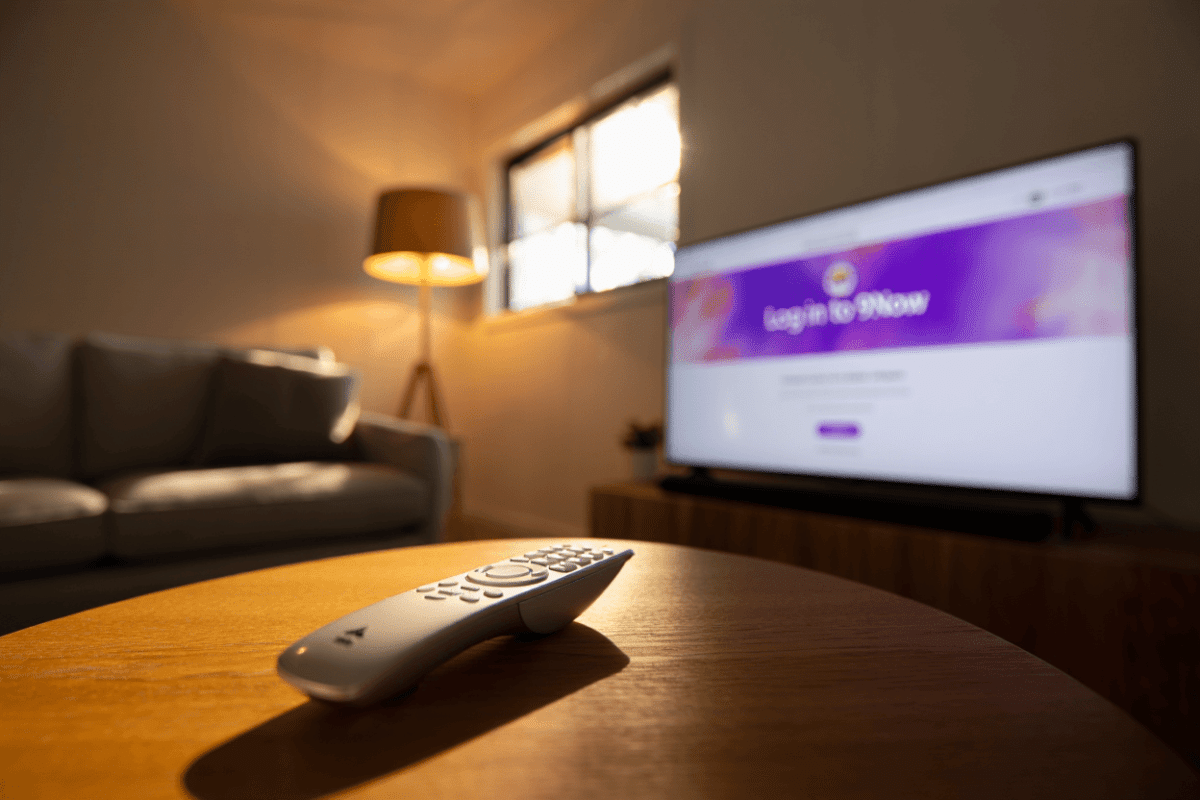
The 9Now activation workflow follows a standardized five-step process designed for simplicity. First, open the 9Now app on your smart television and select any show or live channel you want to watch. A ‘Log in to 9Now’ screen will appear automatically when viewing restricted content. The TV then displays a unique 6-digit activation code on screen—this code is essential for the next stage.
Next, open a separate device—smartphone, tablet, or computer—and navigate to 9now.com/activate in any modern web browser. Enter your Six-digit activation code exactly as shown on your television screen, paying attention to uppercase and lowercase characters if required. After entering the code, you’ll be prompted to sign in with your existing Nine Network account or create a new account if you don’t already have one.
Authentication and Account Connection
The Nine Network account is your authentication gateway for all 9Now devices. During account creation, you must provide your email address, a password, your date of birth, your Australian postcode, and your gender. This registration information allows 9Now to verify your location for geoblocking purposes—the service is only available within Australia due to licensing restrictions on content rights.
Once you’ve entered your credentials on the activation website, your television receives the authentication confirmation within seconds. The TV automatically completes the login process and transitions to the home screen where your selected show or channel begins streaming. A verification message confirms the device is now permanently connected to your account, meaning future logins are automatic.
Device Compatibility and Setup Requirements
9Now support extends across multiple television platforms, but operating system requirements matter. Android TV devices running version 7.0 or newer provide full compatibility, including brands such as Sony, TCL, Kogan, and Vodafone TV models. Google TV-powered televisions universally support the app via the Google Play Store, with devices from Chromecast with Google TV, Sony, and TCL among the most popular options for Australian viewers.
Samsung televisions manufactured between 2014-2017 are no longer supported as of July 2024, as these older Smart Hub systems cannot handle 9Now’s current technical requirements. However, LG WebOS TVs running version 4.0 or newer (typically 2019+ models) maintain full compatibility. Streaming device options like Apple TV, Amazon Fire TV, Roku, Fetch, and Nvidia Shield+ all support 9Now installation through their respective app stores.
Finding and Installing the 9Now App on Your TV
| Device Type | Installation Method | Search Location |
| Android TV / Google TV | Google Play Store | Press HOME, select Apps or Play Store, search “9Now” |
| Apple TV | App Store | App Store icon, search category, find 9Now |
| Amazon Fire TV | Fire TV App Store | Home menu, search 9Now, select Install |
| Roku | Roku Channel Store | Home, Streaming Channels, search 9Now |
| Chromecast | Google Play Store | TV home screen, Apps section, Play Store |
Download times typically range from 30 seconds to 2 minutes depending on your internet connection speed. 9Now recommends a minimum broadband speed of 5 Mbps for standard definition streaming and 15 Mbps for HD quality, though most Australian NBN and cable connections exceed these minimums comfortably.
Why 9Now Requires Activation and What It Unlocks
The activation system serves multiple purposes beyond simple login. 9Now uses activation codes to track device distribution, enforce geographic licensing restrictions, and maintain account security across multiple televisions. A single Nine Network account can activate up to five separate devices, allowing family members to watch simultaneously on different televisions with shared login credentials.
“9Now is free to use on all of your devices and free to download from the Apple and Google Play app stores. Just like free-to-air TV, 9Now is funded by advertising.”
— 9Now Official Help, Nine Network Support Center
The service provides access to Channel 9, 9Go!, 9Gem, 9Life, and Pedestrian TV alongside exclusive 9Now originals. Live streaming works during broadcast hours for all five channels, while on-demand content remains available 24/7 for shows from the past several seasons. Sports events, including cricket, tennis, and motorsport, appear on the platform with variable availability depending on broadcast rights in your region.
Troubleshooting Common Activation Issues
If your activation code fails to validate, verify that you’ve entered all six digits precisely without spaces or typographical errors. Codes expire after 10 minutes, so if activation takes longer than expected, close the 9Now app on your television and restart it to generate a fresh code. Ensure your separate device (phone/tablet/computer) maintains an active internet connection during the entire activation process—switching Wi-Fi networks mid-activation can cause the code to invalidate.
Location-based access errors occur when attempting to activate 9Now from outside Australia. The service implements IP geoblocking, meaning your internet connection must originate from an Australian ISP. Australian users traveling internationally cannot use 9Now until they return home, though some utilize VPN services to circumvent geoblocking—a technically feasible but legally ambiguous workaround depending on your location.
If your device shows “9Now will no longer be available on this device” after clicking the TV app, your television’s operating system no longer meets technical requirements. This message commonly appears on Samsung models from 2014-2017 and older non-Android TVs. In such cases, external streaming devices like Fire TV Sticks, Chromecast, or Apple TV boxes provide a cost-effective alternative to TV replacement.
What Streaming Features Are Available After Activation?
Once activated, 9Now grants immediate access to live television feeds, catch-up programs, and exclusive content not available on traditional free-to-air broadcast. The platform archives episodes for typically 28 to 30 days after initial broadcast, allowing viewers to resume watching interrupted shows at their convenience. Chromecast integration enables casting from mobile devices to your television, letting you mirror the 9Now app from your phone directly to compatible TVs without activation codes required for this pairing method.
Progressive download functionality prevents constant buffering on slower connections—content begins playing before full download completion. Parental controls exist within the Nine Network account settings, allowing account holders to restrict access to programs based on classification ratings (G, PG, M, MA15+, etc.). Closed captions support accessibility for deaf and hard-of-hearing viewers across all content categories.
Sources
- 9Now Official Help Center – Device compatibility, activation steps, and technical support
- Nine Network Support – Account registration, geographic restrictions, and streaming quality requirements
- Australian TechRadar Guide (April 2026) – Current setup instructions and device compatibility analysis
- Tom’s Guide (February 2026) – 9Now registration and international access information
- 9Now Google Play Store – Device requirements, app ratings, and feature overview